Peloton and Garmin Integration Now Allows Seamless Workout Synchronization
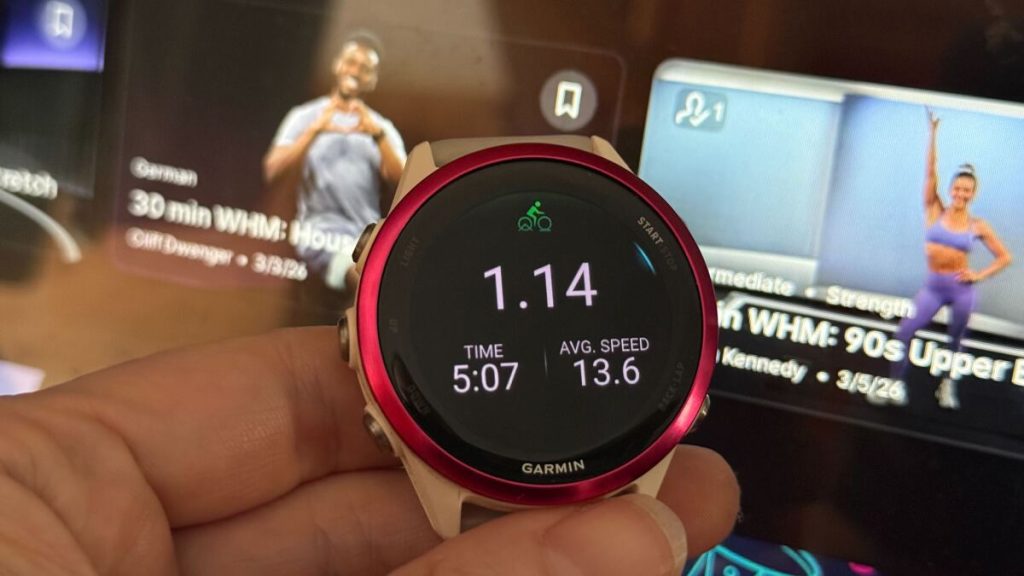
Fitness enthusiasts using both Peloton and Garmin devices can now celebrate a significant improvement in their workout tracking experience. A recent update to the Peloton application has introduced the ability to automatically synchronize exercise sessions directly to Garmin accounts, eliminating the need for manual dual logging or third-party applications.
Setting Up the Integration Between Fitness Platforms
Activating this synchronization feature requires navigating through the Peloton mobile application. Users should locate the profile icon at the bottom right of the screen, then access the menu options in the upper right corner to find Connected apps & devices.
Within this section, Garmin Connect appears as an available integration option. After selecting this service, users must authenticate their Garmin credentials to establish the connection. The setup process offers two distinct synchronization choices:
-
Enabling Auto-import activities allows Garmin workout data to appear within Peloton’s activity history. Users can selectively choose which types of exercises to import.
-
Activating Send to Garmin Connect transfers Peloton workout information to the Garmin platform. This option also includes selective activity type filtering.
These independent controls prevent unwanted data duplication across multiple fitness platforms. For instance, users already sharing Peloton activities to other services like Strava may prefer to avoid creating duplicate entries through Garmin’s sharing features.
Advantages of Direct Platform Integration
Before this update, fitness enthusiasts typically employed one of two workaround methods. The most common approach involved wearing a Garmin device while simultaneously recording a separate workout entry on the watch, resulting in duplicate records across both platforms. This method’s primary limitation was the absence of Peloton-specific metrics such as power output, cadence measurements, and detailed performance data.
The new synchronization feature preserves all Peloton’s comprehensive workout information, including specific class names and detailed performance metrics, while seamlessly transferring this data to Garmin’s ecosystem.
Users transitioning from manual dual logging should note an important consideration regarding heart rate monitoring. Synchronized workouts will only include heart rate data if a compatible monitor was connected to the Peloton equipment during the session. Fortunately, many Garmin watches can broadcast heart rate information to Peloton devices without initiating a separate workout recording. Compatible Garmin models feature a Broadcast heart rate option accessible through the device’s control panel.
Previously, many users relied on third-party services like SyncMyWorkout, a subscription-based platform that facilitated data transfer between Garmin and Peloton accounts. While this native integration may reduce the need for such services, some third-party options still offer unique features like historical data importing that the official integration currently lacks.